Check a fan remote beyond the button photograph
Record range, available functions and replacement compatibility without assuming a similar-looking remote will work.
Updated:
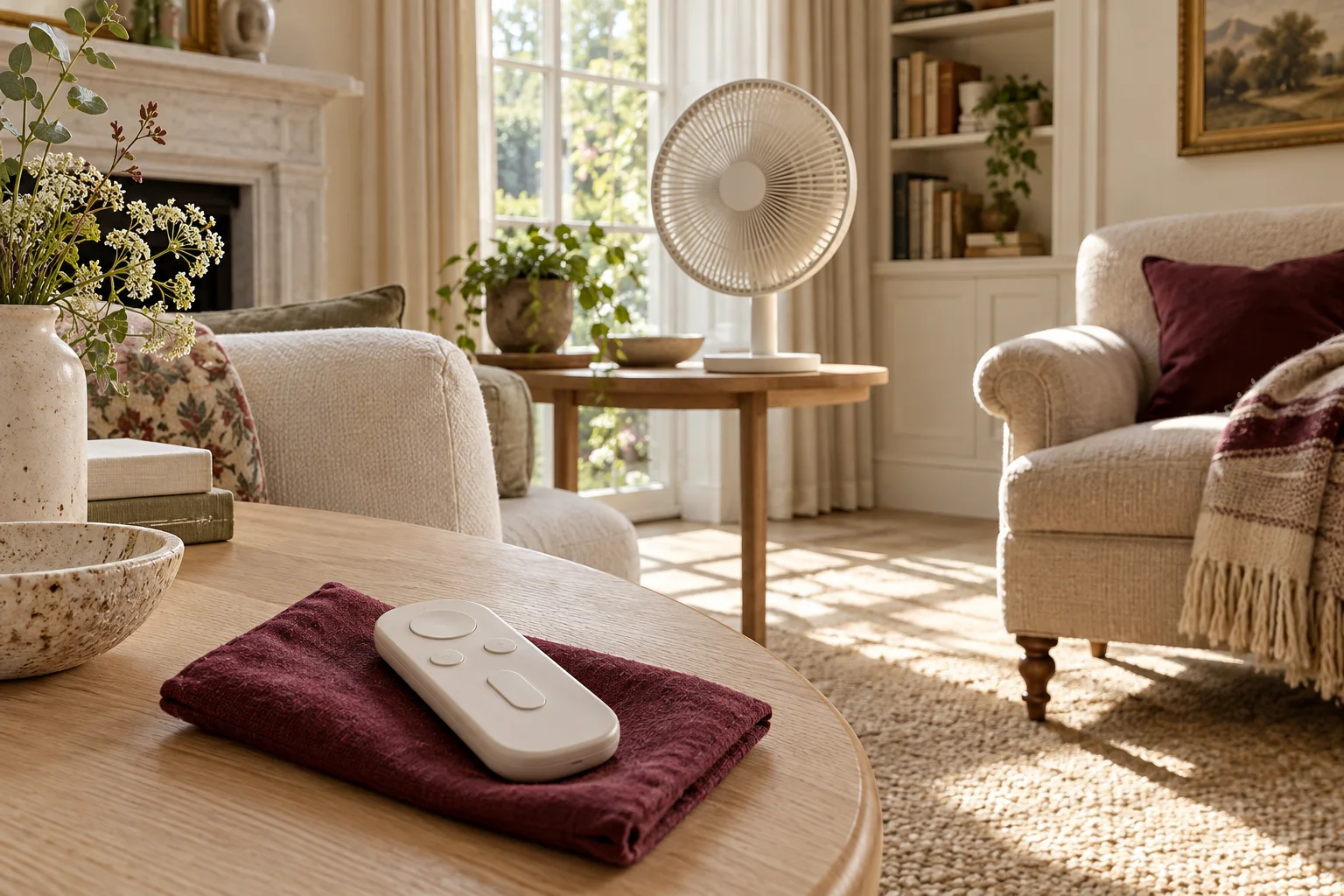
Start with the exact remote and appliance pair
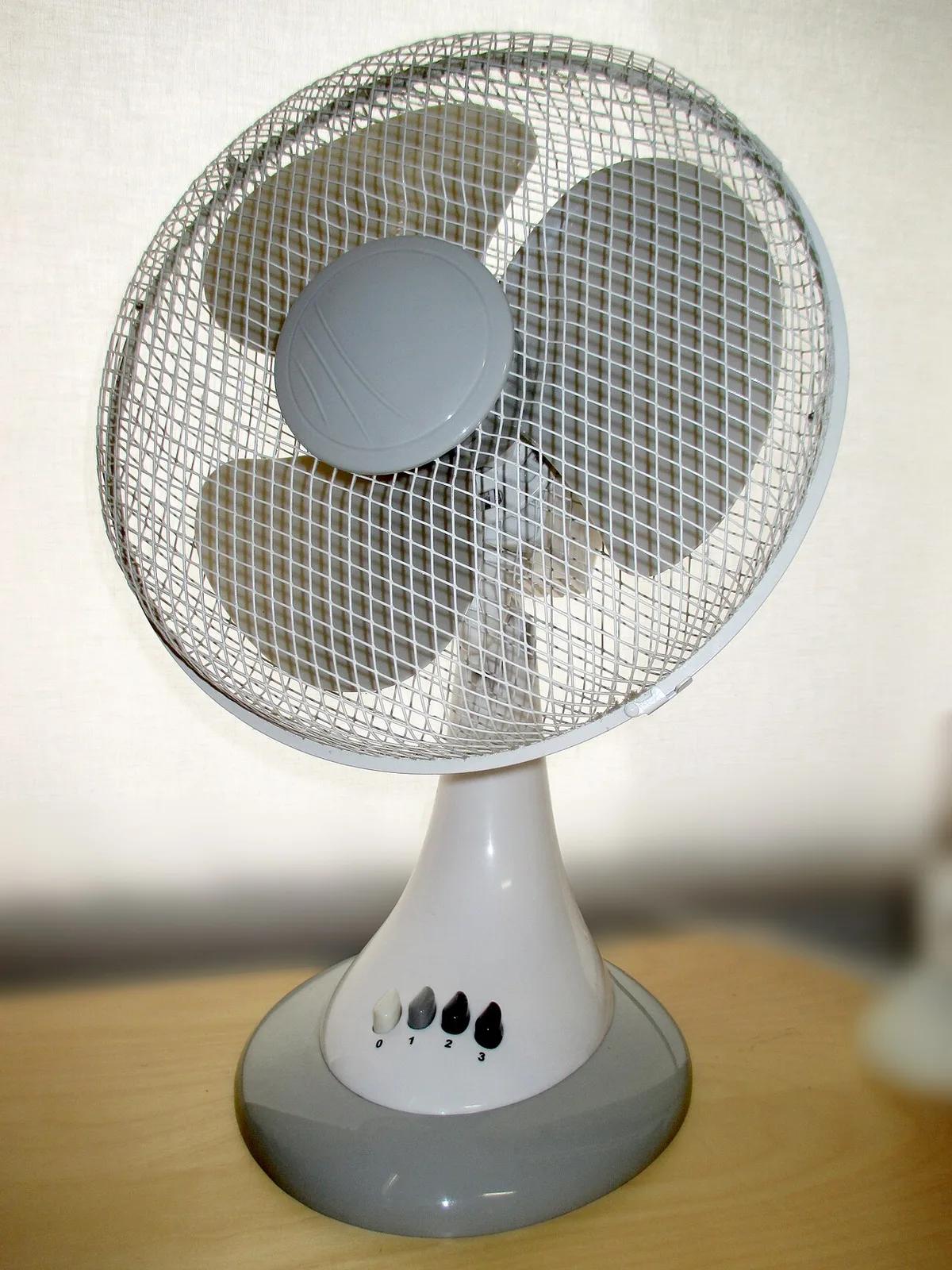
The MeacoFan 1056 manual describes an approximate remote range of 3 metres; the Sefte 10 Table manual gives approximately 4 metres. These are model-specific document entries, not measurements taken by us and not guarantees for every position in a furnished room. Keep the model name attached to the range.
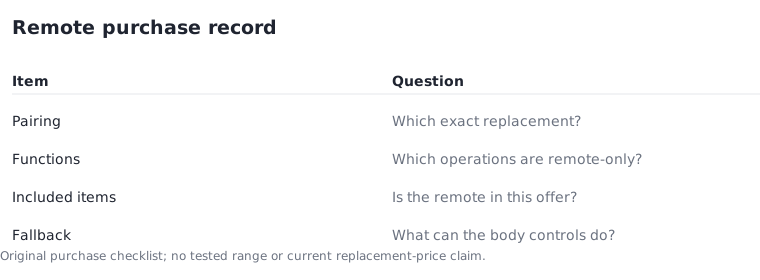
If a remote is missing, identify the correct replacement through the manufacturer rather than choosing by appearance. Similar button shapes do not establish compatibility. Record the appliance identifier, remote identifier if available and the support answer that confirms the match. A retailer photograph can help identify a candidate, but it cannot complete the compatibility check.
MeacoFan 1056 manual MF1056EN3, November 2022 ? Meaco Sefte 10 Table manual UK02 ?
Sketch the intended position honestly
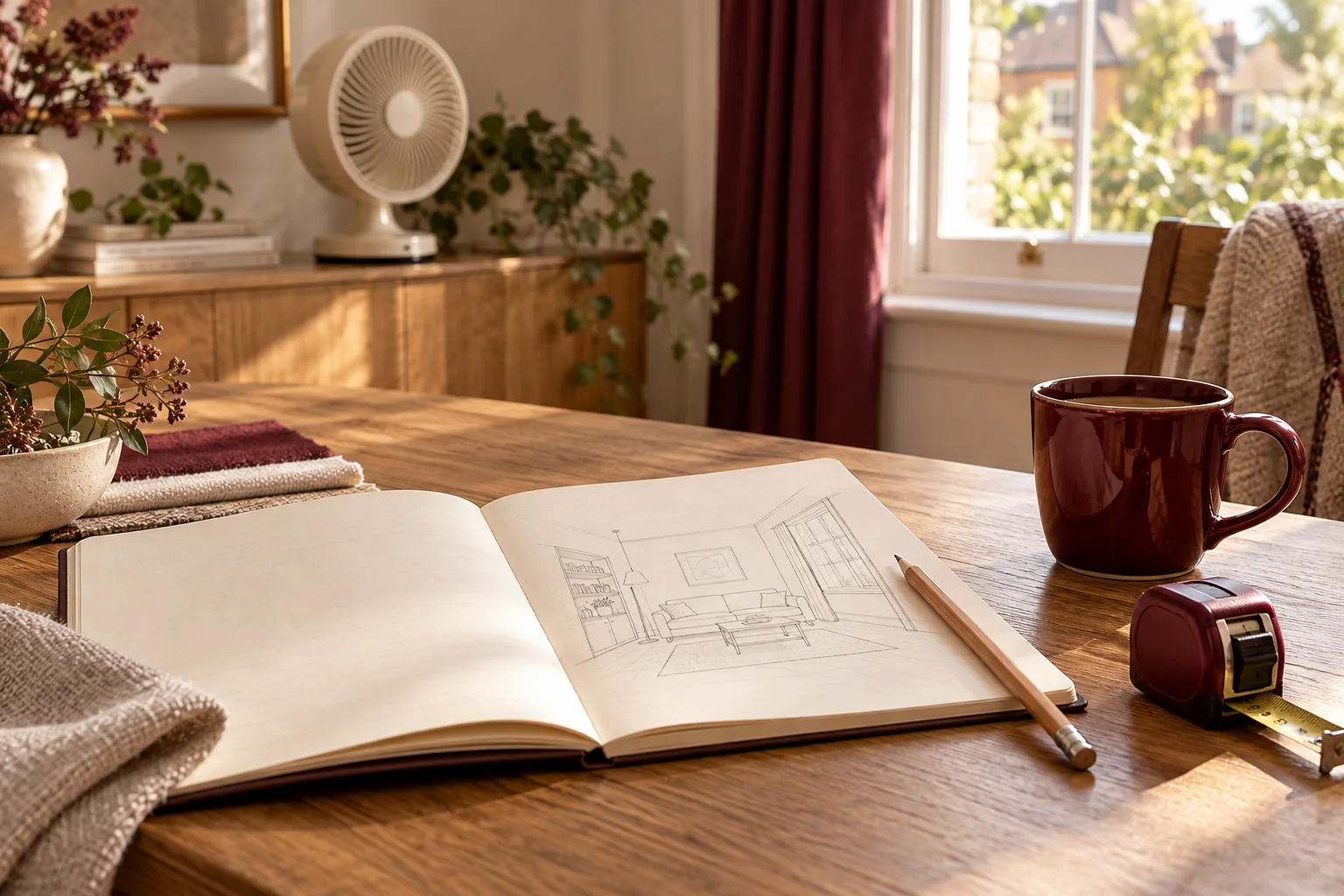
For a hypothetical reading chair 2m from the proposed fan position, a quoted approximate range may look promising. That is still not proof of operation at the chair. The actual instructions and the arrangement of the room matter, and a range figure should not be interpreted as a promise through every obstacle or from every direction.
Record where the appliance and user would be, then ask about any condition the manual leaves unclear. Do not move a fan to an unstable position merely to make a remote easier to use. The operating location remains a separate requirement, even when a convenient remote is one of the reasons for considering the product.
List functions rather than counting buttons
A short function list is more useful than saying a remote has many buttons. Write down the operations you need—such as changing speed, selecting a documented timer or controlling a display—and identify which are available through the appliance itself. If a function is only available through the remote, note that dependence clearly.
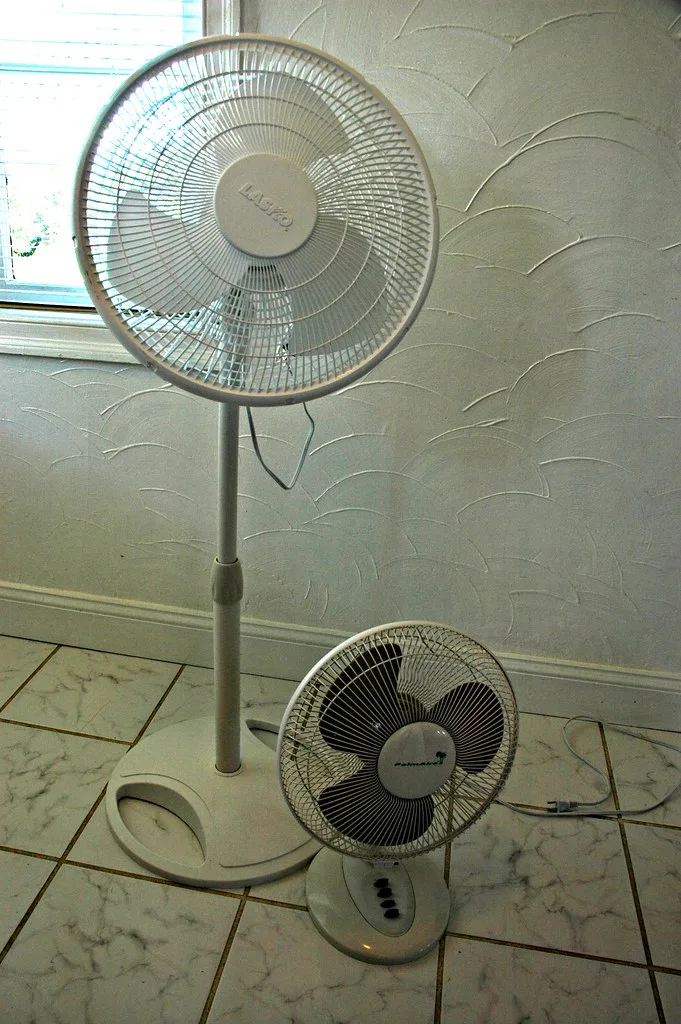
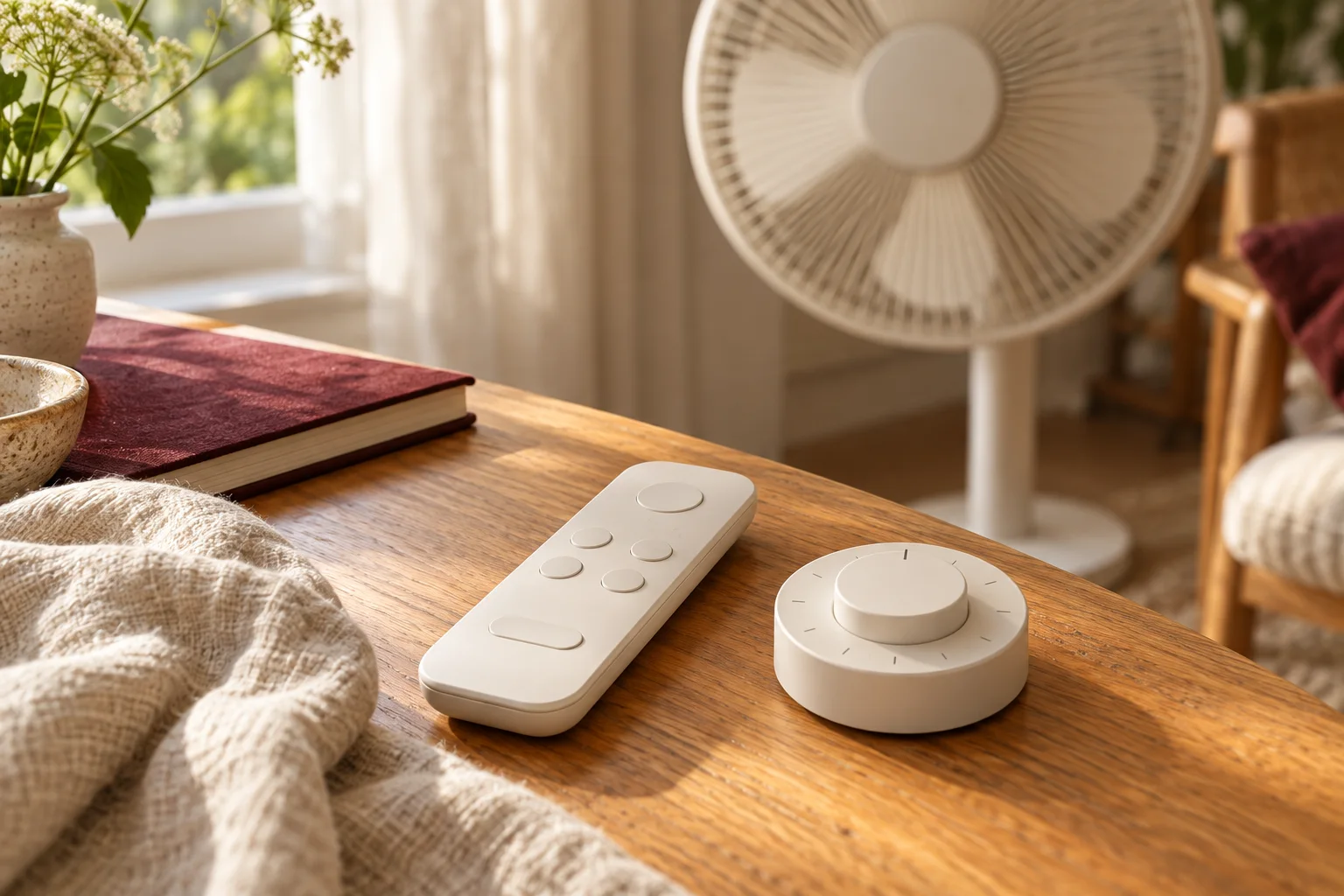
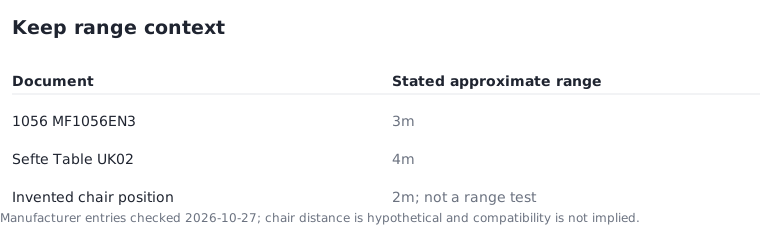
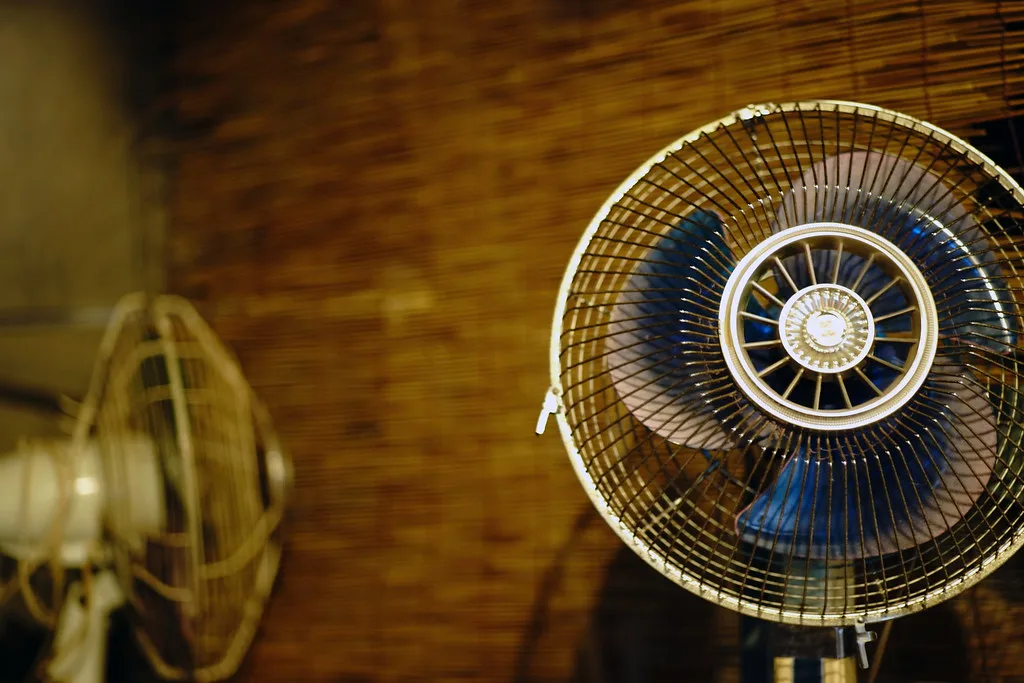
The full historical fan photograph shows speed buttons at the base. The close-up fan head photograph leaves its controls outside the frame. The paired-format photograph shows different physical control arrangements. These images explain why a product photograph can reveal where controls might be located while leaving the actual function list unanswered.
Keep battery and handling instructions model-specific
Use the exact remote instructions for battery type, fitting and handling. Do not assume that a cell left over from another remote is suitable, and do not improvise a replacement. If the compartment or remote is damaged, ask the manufacturer for the appropriate next step rather than trying to repair or modify it from a general buying guide.
For purchase planning, record whether the supplied package includes the remote and how an approved replacement can be obtained. Avoid inventing a replacement price or availability date. A current support answer is more useful than a generic claim that spare remotes are always easy to buy.
Leave a usable fallback note
Record the operations that remain available on the appliance if the remote cannot be used. This can influence suitability for your routine without requiring a performance ranking. A product may have a convenient remote yet still be inconvenient for someone who needs easy access to a particular control on the body.
Keep the manual links and the date checked with the shortlist. We have not tested the stated ranges or the photographed controls. The guide helps turn a remote from a vague convenience claim into a small set of answerable questions about compatibility, documented functions, replacement and ordinary use.