Check what a fan timer actually switches
Distinguish delayed start, delayed stop and automatic speed changes before relying on a timer label.
Updated:
Start with the fan state, not just the hour number
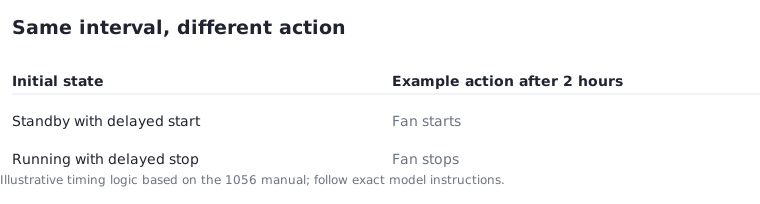
On the MeacoFan 1056, the manual distinguishes a pre-on timer used in standby from a pre-off timer used while the fan is running. Both use intervals from 1 to 12 hours. The same number can therefore refer to a different action depending on the state in which it was set.
Before buying a fan for a particular routine, write the action you want in ordinary language: start later, stop later, or change speed automatically. Then find that exact behaviour in the manual. A retailer's short timer label does not establish whether the control supports the action you mean or which interface you must use to set it.
MeacoFan 1056 manual MF1056EN3, November 2022 ?
Translate the interval into a clock-time example
For a simple illustration, a 2-hour delayed stop set at 18:00 would target 20:00, provided the appliance operates as its documented timer describes. A 2-hour delayed start set at the same time means something different: starting at 20:00. These clock times are explanatory examples, not a recommended operating schedule.
Keep the initial state and intended action in the same note as the interval. If the appliance is unplugged, a setting is changed or power is interrupted, do not assume the timer survives unless the model instructions say so. A clear record should reveal what you know and what remains uncertain about the specific control.
Keep night mode separate from a stop timer
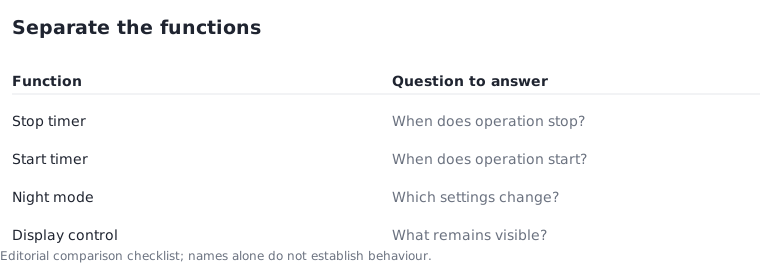
A mode that changes display brightness or fan speed is not automatically a delayed shutdown. The Sefte 10 Table manual describes Night mode as reducing speed by one step every 30 minutes (half an hour) until speed 1, while also changing display and button-sound behaviour. That is a different function from a timer that stops the fan after an interval.
Do not infer a universal meaning from names such as sleep, night or eco. Compare the actual stated actions: which setting changes, what triggers the change and whether operation continues afterwards. If silence or a dark display matters to you, record those features separately rather than assuming that a mode name covers every requirement.
Meaco Sefte 10 Table manual UK02 ?
Check which controls are available where
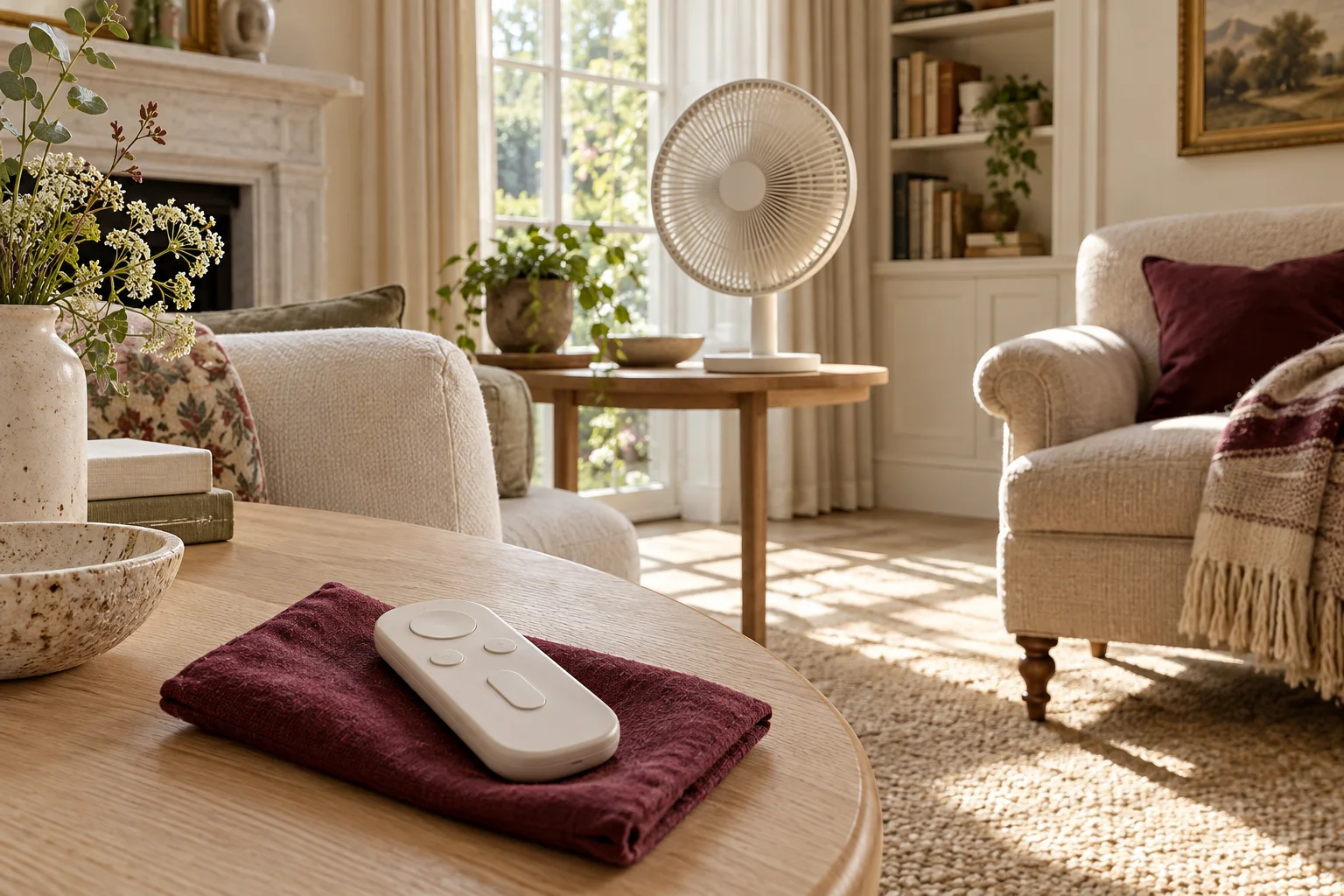
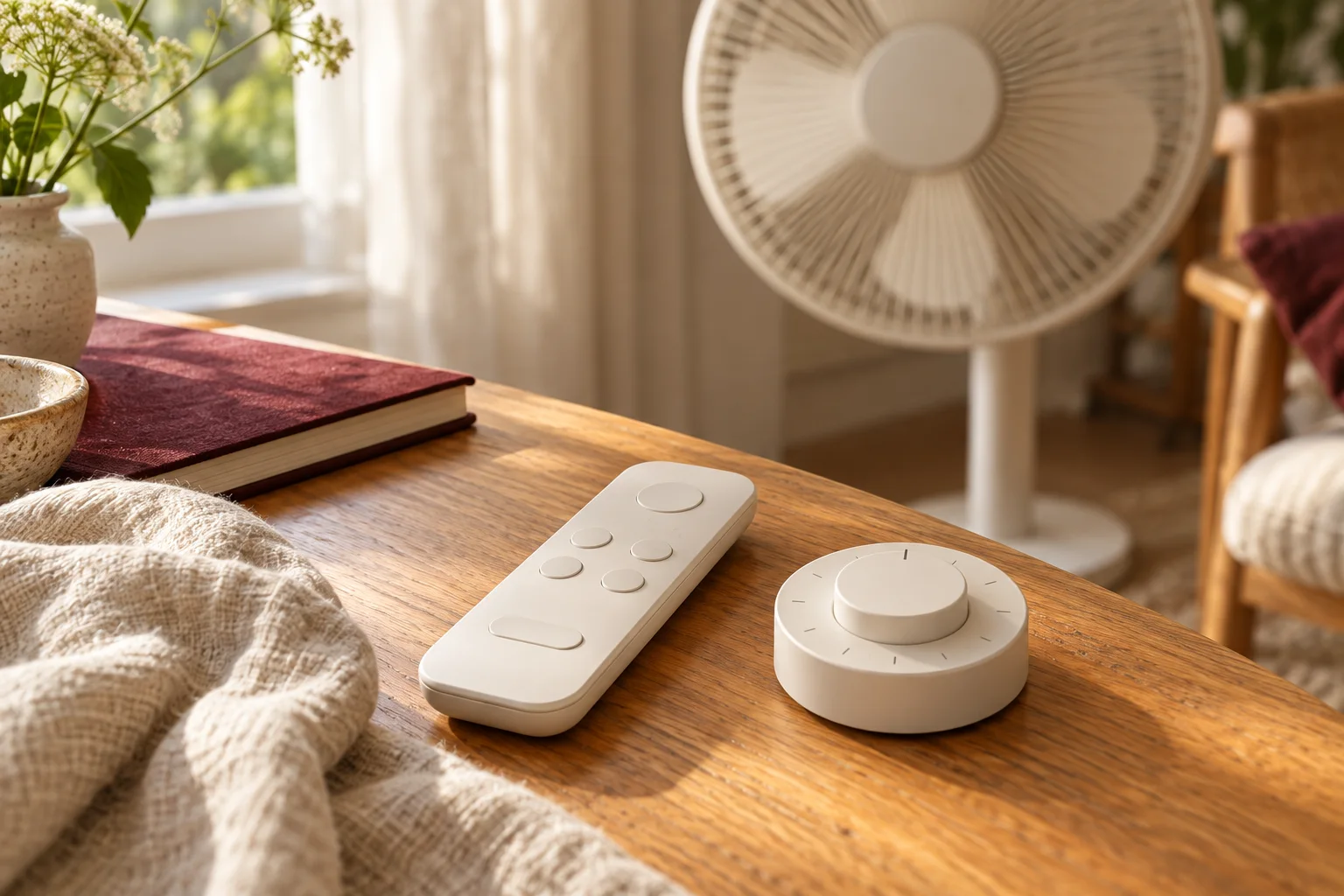
Read the control-panel and remote-control sections together. A feature shown on a remote may not be available through the appliance buttons in exactly the same way. If the remote is missing or its battery needs attention, you need to know what remains usable. Do not treat a picture of several buttons as proof of a timer function.
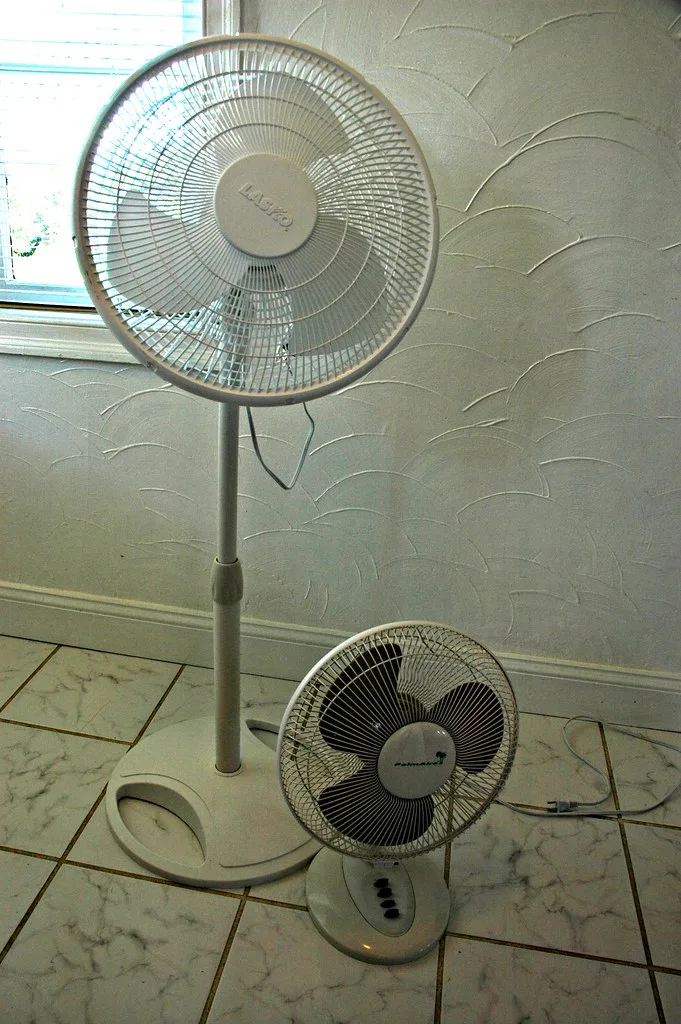
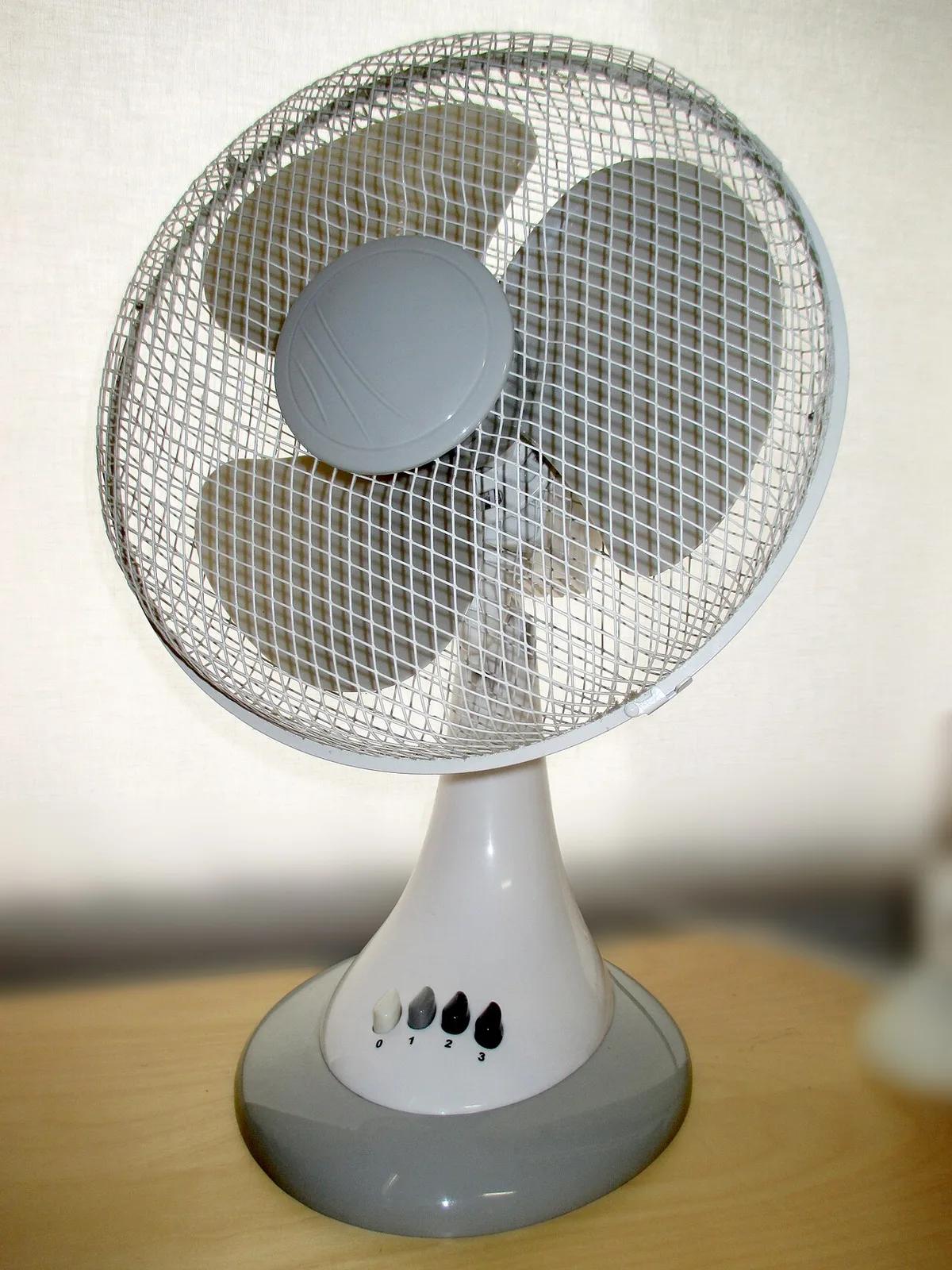
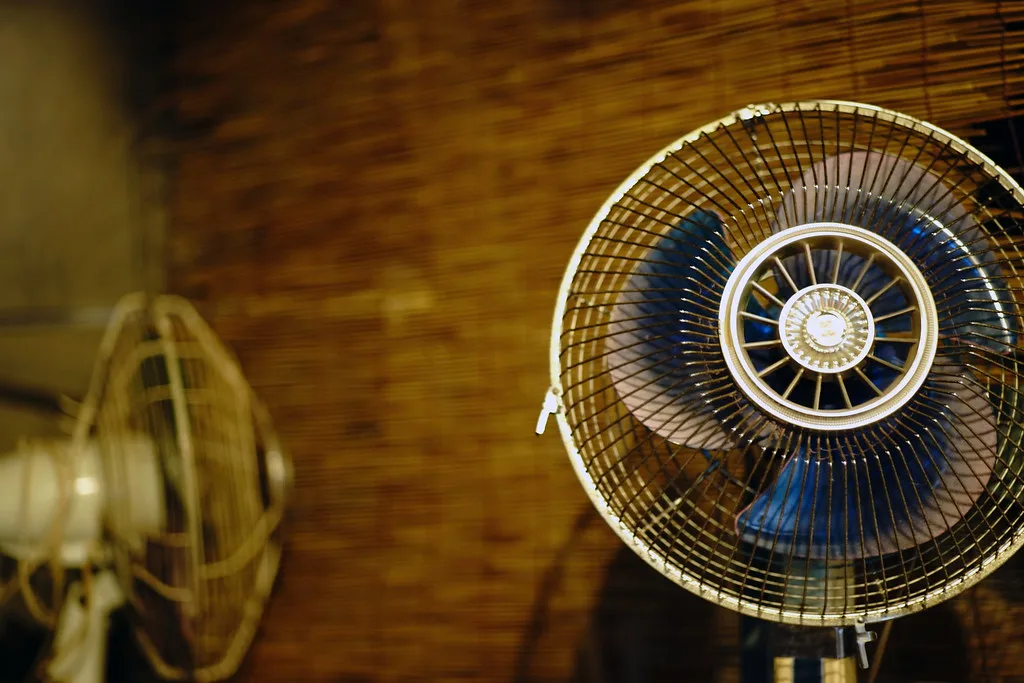
The historical table-fan photograph shows numbered speed buttons, while the close-up photograph leaves the control area outside the frame. Those visible differences explain why a product image can help you locate controls but cannot complete the function check. Use the actual model document to answer the remaining questions.
Make one concise routine record
Record the exact model, starting state, action, interval, interface and cancellation method from its instructions. Keep a note of any limitation relevant to your intended use. Do not transfer a fan timer arrangement to a heater or another appliance, whose permitted operation and safety requirements may be different.
Before depending on the routine, follow the manufacturer's setup and operating instructions and confirm that you understand the display. If the described behaviour does not match the appliance, stop guessing and contact support with the model and the settings you used. This guide compares documented control logic; it does not claim that we tested either fan or that automatic operation is appropriate in every situation.